
iPhoneAgent
Your context.
Where you are, what’s next, how you slept, what’s due. Only the things you choose to share.
droplet_get_phone_context
place    Work
next     Design review, 2:00
sleep    5h 40m
battery 62%Hook up Claude Code, Codex, Claude Duet, OpenAI Dots, Grok Bot, Meta Muse or any other agent. It keeps your widgets up to date, and checks with you before it does anything big.
Or tell your agent, and it walks you through it:
Set up Droplet.ai for me: https://droplet.ai/startFree during the beta. iPhone, iOS 26 or later.
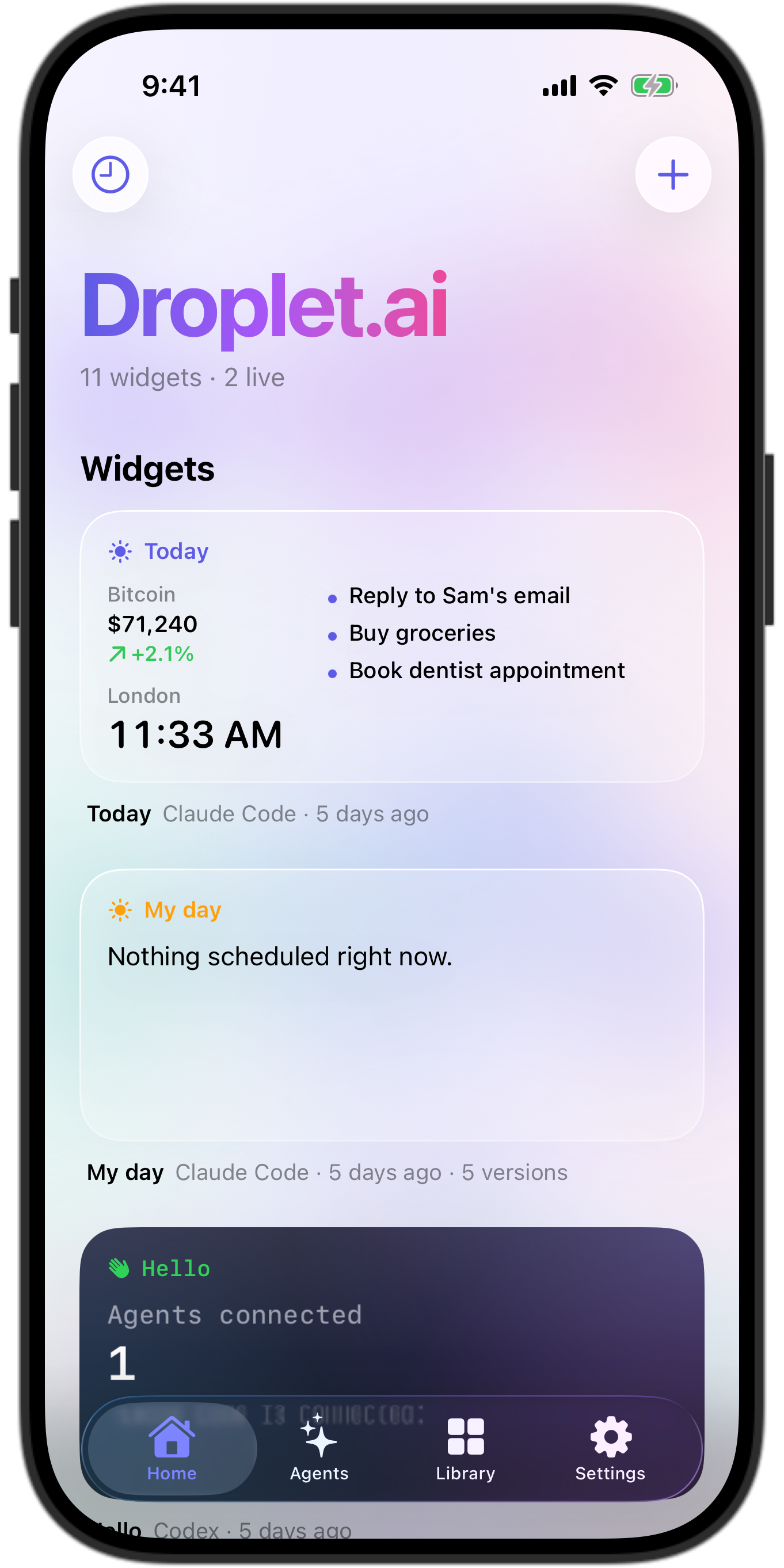

Tap around and scroll. These are real screens from the app.
Ask for a morning brief, a trip countdown or the prices you watch. Your agent picks what goes in each size, checks how it looks, and the update shows up on your phone right away.
Go ahead, tap them. Answer the question, tick off a set, start the timer.
Your agent decides what each one shows and offers, from the time, your place, your events and your data. Some inform you, some give you the right controls, some are full small apps built for the job. Pick one in the Library, tap Add, and your agent builds it with your real data, then keeps it going.
One widget is usually enough: it becomes what you need to know, the right buttons, a question when your agent needs your OK, your list at the store. Add another only to keep things apart, like news and work. Glass, soft or bold, in any colour.
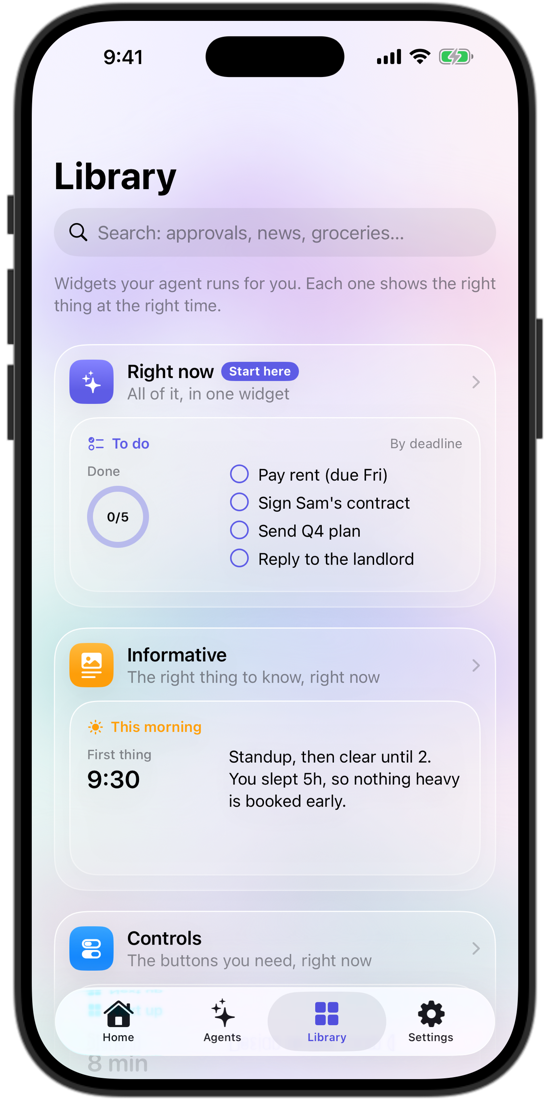
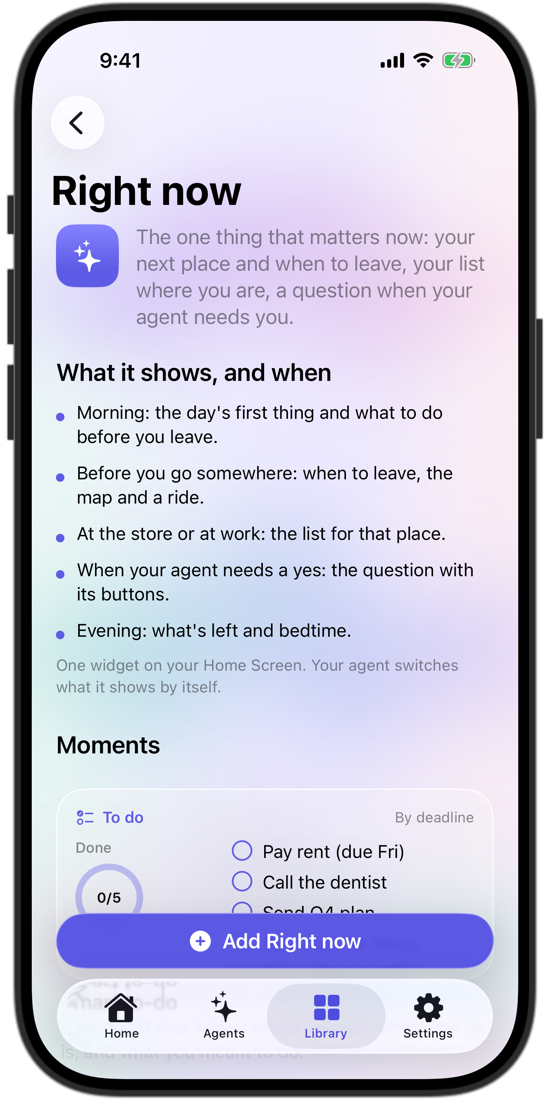
Small, medium, and large. Home Screen, Lock Screen, StandBy, and Control Center.
Leave in 14 min
Dentist 10:30 · 18 min, traffic is light
Also today
Later
12:30Lunch with Sam table booked
3:00Design review deck is drafted
A ring, a chart or a list. Your agent picks whatever fits.
Planned from your last 4 sessions
Tick things off from your Home Screen, and your agent sees it.
If you let it, your agent can set alarms that ring even on silent, and add reminders and events.
7:00AM
Call at 8 · prep notes ready
10:15PM
Wind down · early start
Put your agent’s buttons in Control Center, on the Lock Screen or on the Action button. Press one and your agent gets it. Give them a try.
Tap a button to try it.
Send your agent one link. It gives you a code, you type it into Droplet.ai, and you’re connected. Just like signing in on a TV.
Set up Droplet.ai for me: https://droplet.ai/startYour agent walks you through it, from getting the app to typing the code.
In Droplet.ai, tap + and type it in, or scan the QR code. Every agent gets its own. Chat apps like Claude and ChatGPT get a private link instead.
I called Dr. Lee’s office. Thursday 10:30 or Friday 2:00?
Put Droplet.ai on your Home Screen. Your agent keeps it filled, and you can answer right there.
Your agent doesn’t just tell you things. At the right moment it offers to handle them: book the ride, send the deck, hand you the grocery list at the store, and show you what it already sorted. One tap and it carries on.
Your phone sees: 5:00 AM · at Home. Showing Before you go.
Train’s delayed.
Uber instead? $14, here 8:05.
Sam’s deck is ready.
Send it to Sam?
At the store.
Call at 8 AM.
I called Dr. Lee’s office. Thursday 10:30 or Friday 2:00?
Before it pays a bill, emails a client or ships code, your agent checks with you first. Answer from the notification or right on the widget.
Your phone knows things your agent doesn’t: your calendar, what’s due, how you slept, where you are. Share what you want, and your agent can set an alarm, add a reminder or put something on your calendar.
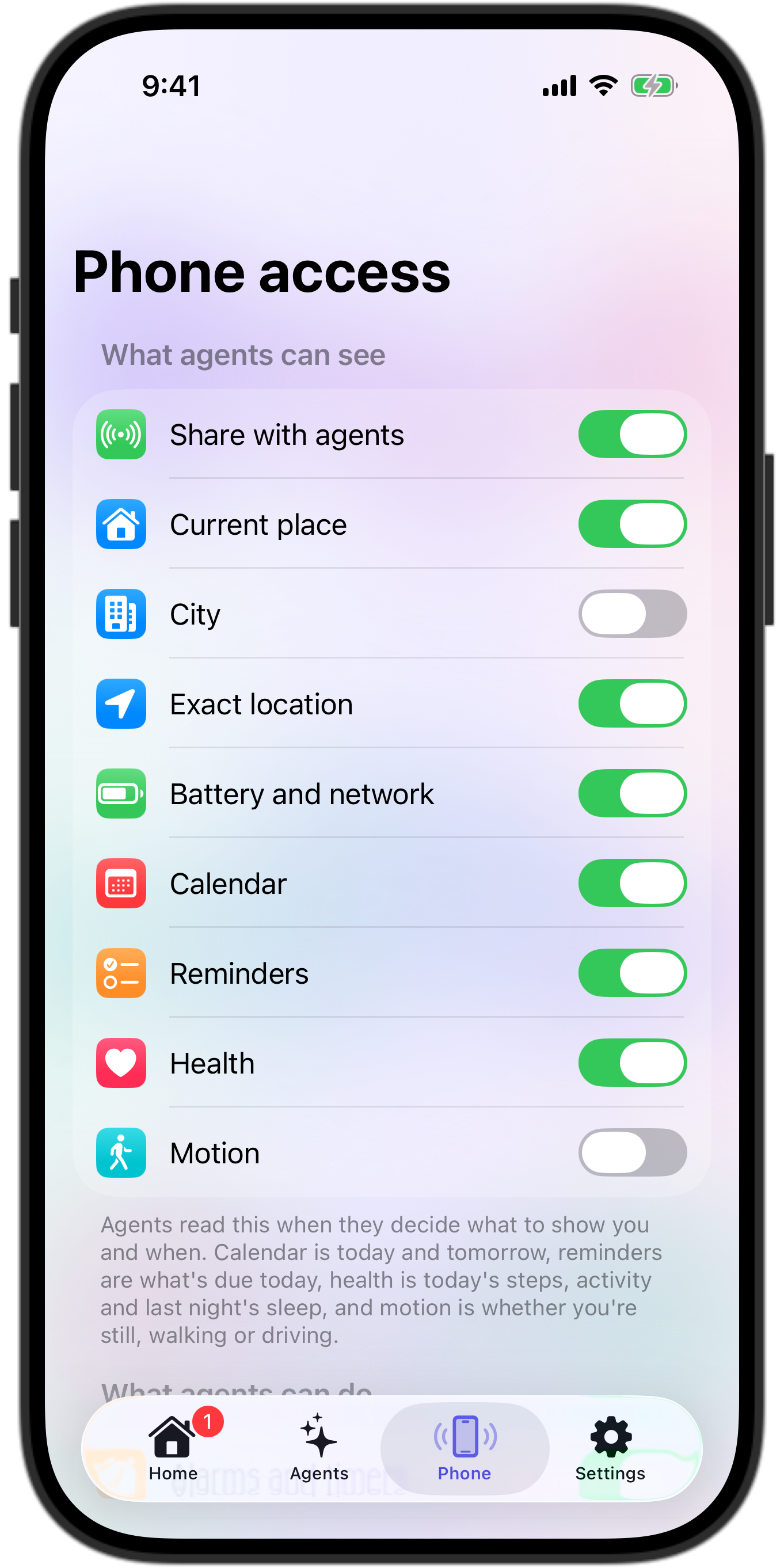
Try a switch.
Connect your agent once. It knows what’s going on in your day, and it can reach you right on your phone.
iPhoneAgent
Where you are, what’s next, how you slept, what’s due. Only the things you choose to share.
droplet_get_phone_context
place Work
next Design review, 2:00
sleep 5h 40m
battery 62%AgentiPhone
It can update your widgets, ask you questions, and set alarms and reminders for you.
droplet_set_widget     Focus: free till 2
droplet_ask            Ship the fix?
droplet_phone_action   alarm, 7:00 AM
Works with Claude Code, Codex, Claude Duet, OpenAI Dots, Grok Bot, Meta Muse, Cursor, ChatGPT and any MCP client. Plain HTTP too.
Droplet.ai is free while it’s in beta. This is what it will cost after launch.
For trying Droplet.ai with one agent.
$0forever
Get the betaFor people who let agents run their day.
$4/ month
billed yearly
For companies with agents that need a sign-off.
$10per person / month
billed yearly
Prices in US dollars. Cancel anytime from your iPhone’s subscription settings.
No. Droplet.ai holds on to your widgets, so they stay on your phone when your agent is off. If a widget should keep updating, your agent can set up a schedule, and Droplet.ai runs it in the cloud.
Yes, if you let it. They're real iPhone alarms, so they ring even on silent. It can also add reminders and calendar events, and you can see everything it did in Droplet.ai.
Its own widgets and questions, plus whatever you turn on in Phone access, like your place, calendar or sleep. Everything starts off, and you can choose differently for each agent.
In Droplet.ai, open the Agents tab, tap the agent, and choose Disconnect. It loses access right away.
Yes. Coding agents like Claude Code and Codex connect with a short code: send them droplet.ai/start and they walk you through it. For Claude Duet, OpenAI Dots, Grok Bot and Meta Muse, tap + in Droplet.ai and pick your agent; Droplet.ai gives you a private link to add as a connector.
Yes, while it's in beta. After launch, Droplet.ai stays free for one agent and three widgets. Pro is $5 a month, or $4 a month billed yearly.